
Ben 10: Alien Device

Ultraman VS Alien Zombies
Cartoon2026150

Ben 10 Savage Pursuit
Cartoon202690

Bart Simpson Saw Game
Cartoon202670

Avatar Fortress Fight 2
Cartoon202660

Regular Show: Fist Punch 2
Cartoon202660

TMNT Vs Power Rangers 2
Cartoon202660
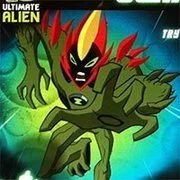
Ben 10: Galactic Challenge
Cartoon202650
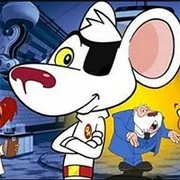
Danger Mouse Ultimate
Cartoon202650

Snow Brawl Fight 2
Cartoon202650

Gumball Disc Duel
Cartoon202650

Boat O Cross 2
Cartoon202640

Chronopolis: Ben 10 Omniverse
Cartoon202640
Cartoon
4.5
HTML5|Mouse / Keyboard|Browser
In Ben 10 – Alien Device is a point and click game, where your objective is to help Ben, Gwen and Grandpa Max solving puzzles on an epic adventure to stop the evil Vilgax. But first you’ll have to go through Kevin Levin, who has escaped from the Null Void and is out for revenge. Use the Rustbucket and Plumber technology like the Null Void Projector to stop him. Click your mouse to find all the right objects and clues to solve every situation as you chase after Vilgax. Explore every level to discover all the items you need, and use hints if you get stuck
You might like
See all
Wishology Trilogy Chapter 1
Cartoon202640

Bikini Bottom Brawlers: SpongeBob SquarePants
Cartoon202640

Toon Cup
Cartoon202640

Cartoon Cove Mini Golf
Cartoon202640

Remote Fu Gumball
Cartoon202640

We Bare Bears: Free Fur All
Cartoon202630

Spongebob Pro Sk8r
Cartoon202630
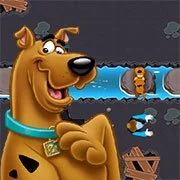
Scooby-Doo: Ruff Rescue
Cartoon202630

Ben 10: Ben To The Rescue
Cartoon202630

Gumball: Block Party
Cartoon202630
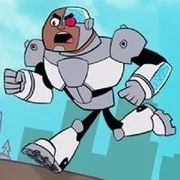
Teen Titan Go: Grab That Grub
Cartoon202630

Ben 10: Upgrade Chasers
Cartoon202630

Ruckus Room
Cartoon202630

Classic Tron
Cartoon202630

Hero Choice
Cartoon202630

Spongebob Glove Universe
Cartoon202630

SpongeBob Speedy Pants
Cartoon202630

Regular Show: High Flying Holloween
Cartoon202630
Teen Titans: HIVE 5
Cartoon202630

Teen Titans Go: Channel Crashers
Cartoon202630