Bomber Friends

Grand Theft Auto: Vice City

Fortnite

Terraria

Happy Wheels

Bleach vs Naruto 3.3

Gun Simulator

RocketGoal.io

Critical Strike: Global Ops

Bloxd.io

Stick War 2

PolyTrack

100 Doors Games: Escape from School
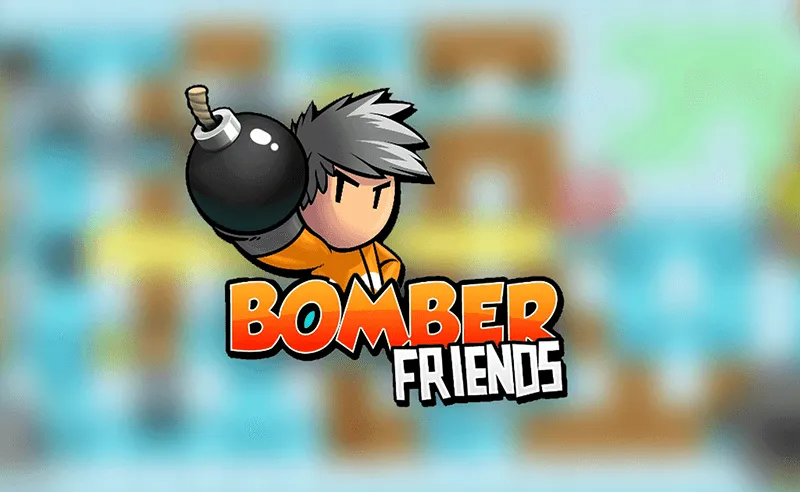
Bomber Friends is an extraordinary 2D arcade game featuring entertaining, action-packed gameplay, character upgrades/customization options, and plenty of progressively more challenging levels to complete. Plant bombs to blast walls and monsters, pick up 5 different power-ups to boost your stats and collect gems to improve your character’s attributes permanently. Blow up brick walls to find the key and eliminate orcs, skeletons, and many other enemies on your road to victory.
This awesome game also features a gem crafting system, you can unlock additional gem slots in the character menu, and the main protagonist is highly customizable. The AI opponents become much smarter after a couple of levels, and the progression is quite rewarding.
How to play Bomber Friends
You’re playing as a sapper in a 2D maze-styled map. The gameplay is quite hectic, and it’s easy to get carried away. After you get rolling, you’ll set up charges left and right, so be careful not to blow yourself up! Plant the bombs to trap your foes and use the stone blocks as a cover to hide from the line of fire.
There are up to 5 stats you can boost either permanently or temporarily. The power-ups collected in each level only last until you’ve completed it.
- Sword — adds +1 damage to your charges
- Heart — adds +1 HP to your character
- Fire — increases the range of explosions by +1 tile
- Boot — slightly increases movement speed
- Arrow — the detonations blast through brick walls
What are the controls for Bomber Friends?
You can play Bomber Friends on both mobile and PC devices. All the buttons are easily discerned on mobile, and the PC controls are shown below.
- Arrow keys — Move
- A — Plant a bomb
- B — Taunt
- Y — Zoom in/out
Features
- An extraordinary 2D arcade bomber game with RPG elements
- Challenging, entertaining, and rewarding gameplay
- Character customization, stat upgrades, and a crafting system
You might like
See all
Granny 2

Crazy Cattle 3D

Lucky Tower 2

Deer Adventure

3 Foot Ninja 2

Dude Theft Auto

Venge.io

mk48.io

Kour.io

Schoolbreak.io

BumpyBall.io

Lurkers.io

Madalin Stunt Cars 2

Deadswitch 3

Escape Road City 2

Combo Factory

CoD Zombies: Portable

Devast.io
Cryzen.io