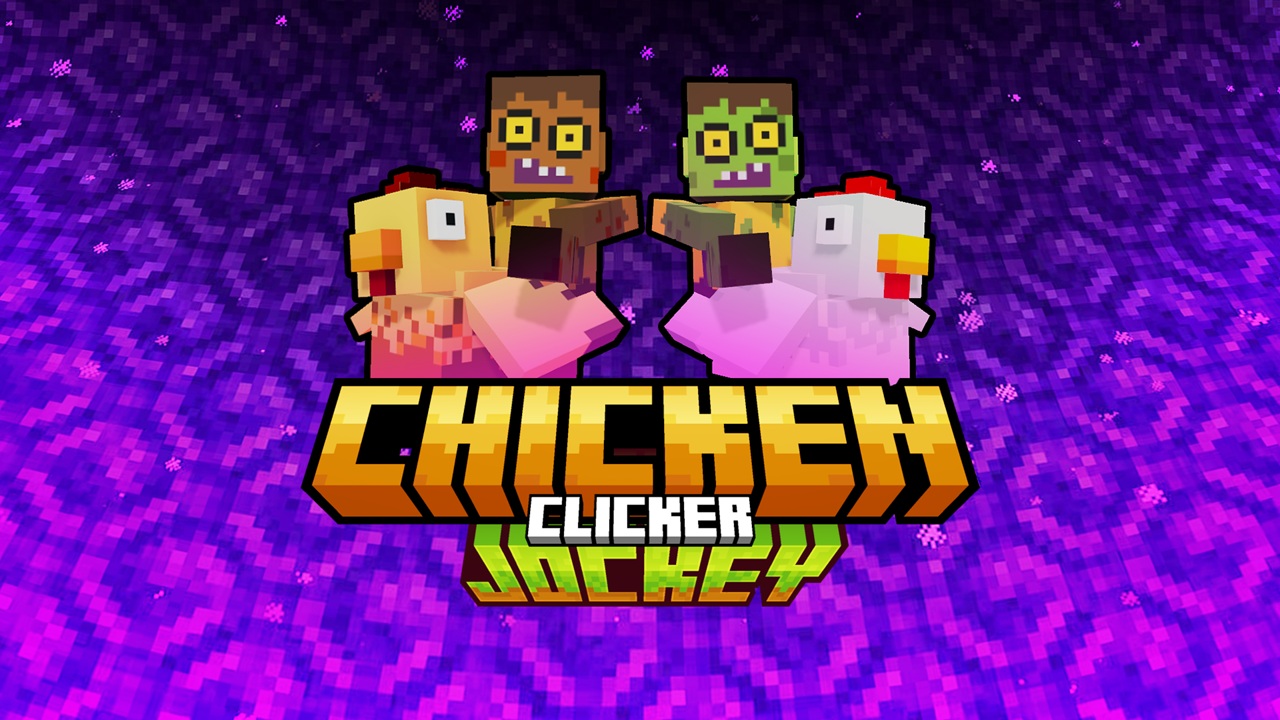
Chicken Jockey Clicker

Grand Theft Auto: Vice City

Fortnite

Terraria

Happy Wheels

Bleach vs Naruto 3.3

Gun Simulator

RocketGoal.io

Stick War 2

Critical Strike: Global Ops

Bloxd.io

PolyTrack

100 Doors Games: Escape from School
Chicken Jockey Clicker puts you in a pixel‑chaotic world inspired by Minecraft’s rare baby zombie‑on‑chicken mob. You click or tap a quirky Chicken Jockey to earn points, crank up upgrades, unlock skins, and build a hilarious empire of feathered fiends. It’s simple fun with surprising depth!
How to Play Chicken Jockey Clicker?
You start with a single click that earns your first point. Click faster for bursts of progress or sit back and let passive upgrades stack points automatically. Spend points strategically across about 18 upgrades that boost your click power or give eggs‑per‑second—your choice whether to play it lean and active or go full idle. Reach milestones to unlock new skins and chicken‑rider styles. The sweet spot is balance: power‑up your clicks enough to unlock upgrades that then fuel more passive gains. Before long you’ll be raking in points even while away from your screen.
What Are the Controls for Chicken Jockey Clicker?
All you need is your left mouse button (or tap on mobile‑enabled browsers).
- Left‑click repeatedly on the Chicken Jockey sprite to generate points.
Features
- Upgrade system with both click‑power and idle income paths
- Nearly 20 upgrades to choose from for personalized strategy
- Cosmetic skin unlocks keep your flock looking fresh
- Idle‑friendly gameplay: gain points even when not clicking actively
You might like
See all
Crazy Cattle 3D

Granny 2

Lucky Tower 2

3 Foot Ninja 2

Deer Adventure

Dude Theft Auto

Venge.io

Kour.io

mk48.io

Madalin Stunt Cars 2

BumpyBall.io

Lurkers.io

Deadswitch 3

Schoolbreak.io

Combo Factory

CoD Zombies: Portable

Mini Royale: Nations

Escape Road City 2

Devast.io
