Neon Ghost

Grand Theft Auto: Vice City

Fortnite

Terraria

Happy Wheels

Bleach vs Naruto 3.3

Gun Simulator

RocketGoal.io

Stick War 2

Critical Strike: Global Ops

Bloxd.io

PolyTrack

100 Doors Games: Escape from School
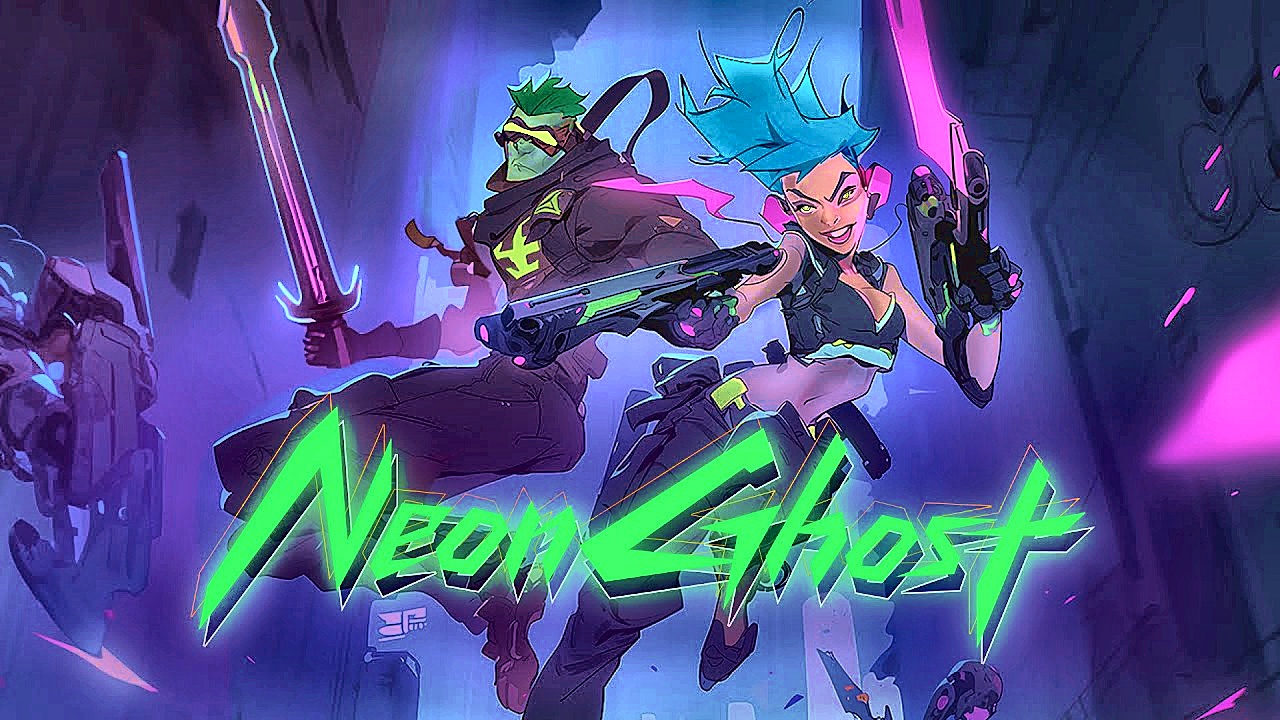
Neon Ghost. You drop into a dystopian cyberpunk world as a mercenary whose job description is basically “solve problems with weapons” in a browser MMORPG. If you like neon-lit chaos, robot-slicing, and upgrading your kit instead of your sleep schedule, you know what to do.
How to Play Neon Ghost?
You explore the world, pick fights with enemies (including robots), and collect currency to power up your gear. Progress is about getting stronger weapons and surviving tougher encounters, so don’t sprint into crowds like you are invincible. Stick to cleaner engagements, farm coins consistently, and upgrade as soon as you can so the difficulty curve stops laughing at you. Since this is positioned as an MMORPG, expect other players around and play like you are not the only hero in the room.
What Are the Controls for Neon Ghost?
- Keyboard + Mouse (Desktop): WASD to move and mouse buttons to attack
- Tap / Drag (Mobile): On-screen buttons
Features
- Cyberpunk mercenary fantasy set in a dystopian world
- Robot fights that feed a simple coin-to-upgrade loop
You might like
See all
Crazy Cattle 3D

Lucky Tower 2

Granny 2

3 Foot Ninja 2

Deer Adventure

Dude Theft Auto

Venge.io

Kour.io

mk48.io

Madalin Stunt Cars 2

BumpyBall.io

Lurkers.io

Deadswitch 3

Schoolbreak.io

Combo Factory

CoD Zombies: Portable

Escape Road City 2

Mini Royale: Nations

Devast.io
