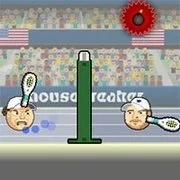
Sports Heads Tennis Open
4th and Goal 2018
Sports
4.5
2 On 2 Open Ice Challenge (Arcade)
Sports
4.5
2010 World Cup Shootout
Sports
4.5

2010 World Cup Foosball edition
Sports
4.5
2014 Soccer World Cup
Sports
4.5
4th and Goal 2015
Sports
4.5
4×4 Soccer
Sports
4.5
4th and Goal 2014
Sports
4.5

8 Ball Pool
Sports
4.5

3D Field Goal Games
Sports
4.5

4 Wheel Madness
Sports
4.5

4th and Goal 2016
Sports
4.5
Sports
4.5
HTML5|Mouse / Keyboard|Browser
Compete in the Tennis US Open Championship in Sports Heads Tennis Open. Play match against Computer AI or 2 player mode on local computer. Select your variety of different players, earn achievements, purchase upgrades, and win.
Credits:Sports Heads Tennis Open is developed by mouse breaker.
How to Play:
How to Play:You can proceed to main menu by clicking on “PLAY” button which activates by loading of the game. You can play this game in two different mode as single player and two player. To play single, click on “NEW GAME” button. Choose your player and specify the game difficulty then click on “START” button to proceed “TOURNAMENTS” screen. You can upgrade your character by the coins that you earn from the matches in “UPGRADES” section in “TOURNAMENTS” screen. You can start to game by clicking on “PLAY MATCH” button.
To play as two player, click on “2 PLAYER” button on main menu. Choose the tennis players and specify the pitch and location then start to match by clicking “START” button.
You might like
See all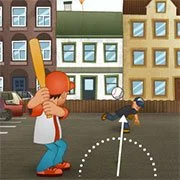
7th Inning Smash
Sports
4.5
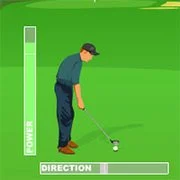
Driving Mad
Sports
4.5

ATV Beach 2
Sports
4.5

ATV Cross Canada
Sports
4.5

Mini Golf: 99 Holes
Sports
4.5

Twisted Tennis
Sports
4.5
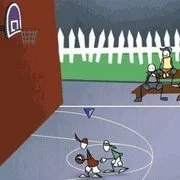
Stick Basketball
Sports
4.5
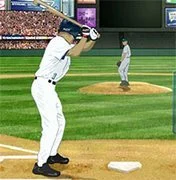
Baseball Game
Sports
4.5
Mountain Bike
Sports
4.5

Billiard Blitz Snooker Star
Sports
4.5

Dunk Dream (Arcade)
Sports
4.5

Bike Madness
Sports
4.5

Lake Fishing 2
Sports
4.5

Downhill to Infinity
Sports
4.5

Top Speed Sport Cars
Sports
4.5
Blast Billiards Gold
Sports
4.5

Red Cross Rush
Sports
4.5

Mini Golf Buddies
Sports
4.5
Cheap Golf
Sports
4.5
Golf Day
Sports
4.5