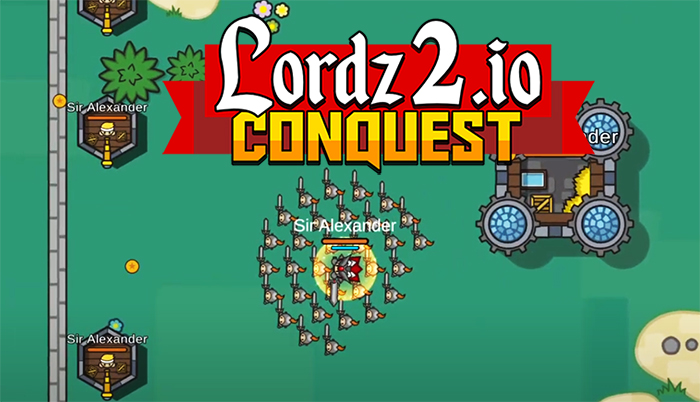
Lordz2.io

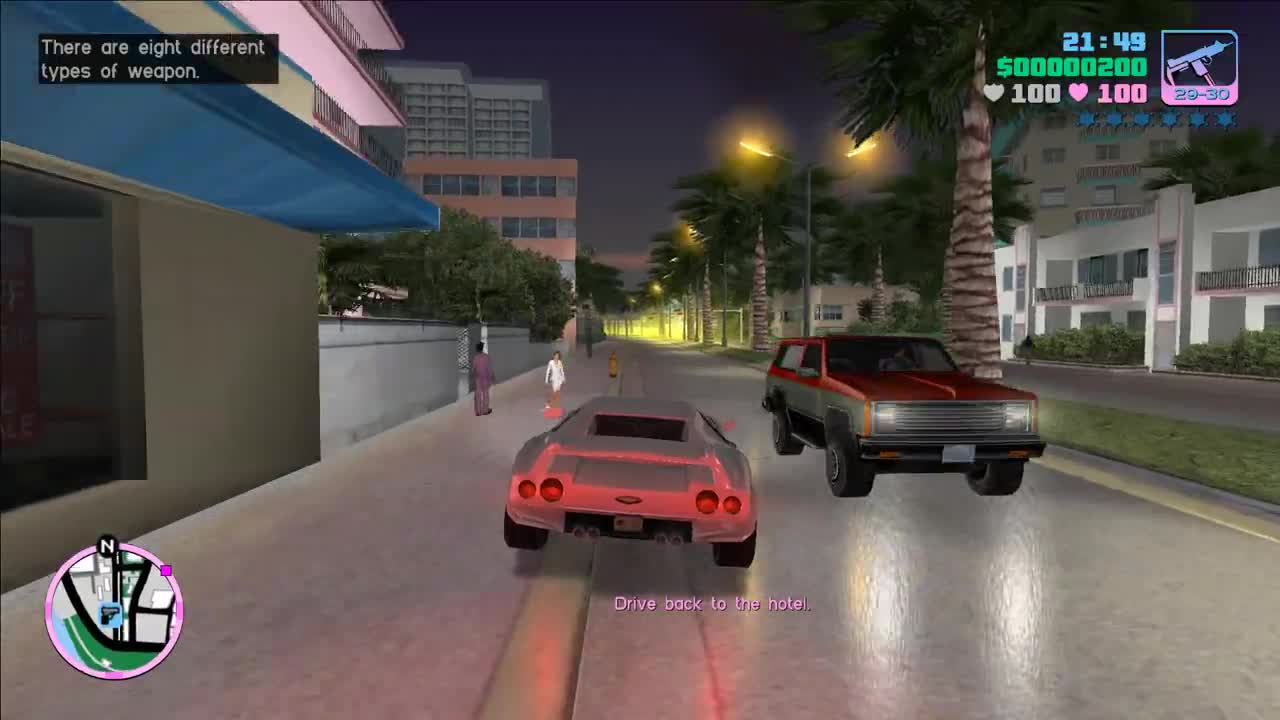
Grand Theft Auto: Vice City

Bleach vs Naruto 3.3

Terraria


Happy Wheels

RocketGoal.io

Stick War 2

Bloxd.io

PolyTrack

100 Doors Games: Escape from School

Crazy Cattle 3D
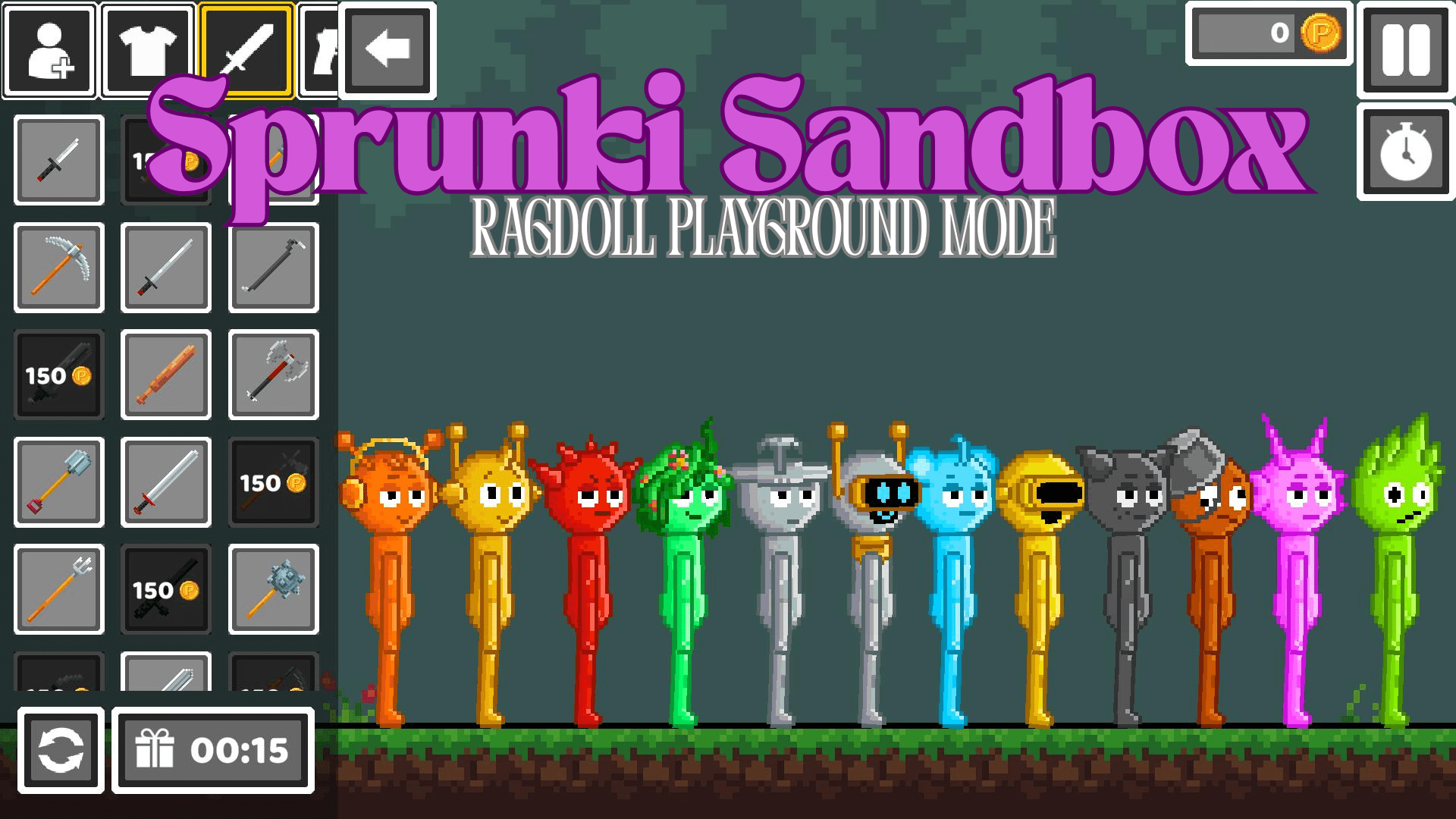
Sprunki Sandbox: Ragdoll Playground Mode

Lucky Tower 2
Lordz2.io immerses players in a dynamic medieval world where strategy and expansion are key. This game, which is a sequel to the popular Lordz.io, takes players into a medieval world where they engage in empire-building and conquest.
How to play Lordz2.io?
Your primary objective is to build a powerful kingdom and army. After establishing your castle, expand your capabilities by constructing various buildings like Stables for Cavalry, Academies for Mages, and Monster Dens for Dragons. Strategic planning is essential as you position your troops using the game's unique formation system. The key to success lies in attacking and conquering neighboring territories while defending your own lands. As you gain Victory Points from defeating other players, new territories unlock in the Conquest Mode, expanding your domain.
Tips for Gameplay:
- Prioritize building a balanced army with a mix of unit types for versatility
- Use walls strategically to protect your base from enemy attacks
- Upgrade your units and buildings regularly to maintain an edge in battle
- Pay attention to your army's formation; placing archers in the center can protect your heroes, while positioning them on the outskirts increases their attack range
- Actively monitor and adapt your strategy based on the evolving battlefield scenario
What are the controls for Lordz2.io?
- Movement: W, A, S, D or Mouse control
- Attack: Click on the target or anywhere to attack the nearest building
- Activate Power: E or Right Click
- Build Menu: B
- Units Menu: U
- Formation Menu: F
- Units Upgrades Menu: Y
- Rewarded Videos Menu: V
- Change Formation: C
- Show Mini Map: M
- Show Leaderboard: L
- Open Chat: Enter
- Pause Menu: Esc
Features
- Strategy-based gameplay in a medieval setting
- Multiplayer action with a focus on empire building and conquest
- Diverse unit types including Cavalry, Mages, and Dragons
- Building and upgrading structures for army enhancement
- A unique formation system for strategic troop positioning
- Expansion through conquest and territory acquisition
- Engaging multiplayer battles against other players
You might like
See all
3 Foot Ninja 2

Gun Simulator

Deer Adventure

Critical Strike: Global Ops

Granny 2

BumpyBall.io

Schoolbreak.io

Lurkers.io


Venge.io

Escape Road City 2

Dude Theft Auto

Madalin Stunt Cars 2

Devast.io

Brutal.io

Kour.io

Deadswitch 3
Rebuild 2

Mini Royale: Nations
Color Rush

Buddy Blitz
Italian Brainrot Clicker 2

Final Ninja

Dragon Boy
SquadBlast
Nitro Type

Zombo Grinder 2
BrutalMania.io

Air Combat
Stimulation Clicker
GoBattle.io

Dino Run
Poxel.io

Color Maze

Combo Factory
Vectaria.io

Stick Figure Penalty

Wrestle Bros

Curve Rush 2
Bubbits
Build Royale
Narrow One

Game of Thrones: Winter is Coming
Electron Dash

WorldGuessr
Drive Mad
reKILL
Temp Ninja