
Westerado
The King of Fighters 97
Retro
1.9

The King of Fighters 98
Retro
3.8

Sonic and Knuckles (Sega)
Retro
4.5

The King of Fighters 2002
Retro
5

2-Bit Explorer
Retro
4.5

SpongeBob Battle for Bikini Bottom
Retro
2.5
Nip For Speed
Retro
4.5
The King of Fighters 2000
Retro
4.5

21st Century Roguelike Pac-Man
Retro
4.5
1Quest
Retro
4.5
Driver (PS1)
Retro
4.5
Sonic 1 Mixed Beta
Retro
4.5
Retro
4.5
HTML5|Mouse / Keyboard|Browser
When a dastardly bandit kills your family, you saddle up with your six-guns to bring the murderer to justice. There’s a new mystery to solve every time you play.
How to Play:
How to Play:Move your cowboy with the WASD keys
Press E to talk to people (what the cowboys call a ‘gunversation)’
To leave a conversation you can use A or D to simply walk away
Draw your gun with the J key. If you draw your gun during a gunversation who knows what will happen!
To fire your gun you must first cock it with the K key. Then press K to fire again.
Reload with the R key. Your gun must be drawn to do this.
The P key will pause the game. From this menu you can see the map, clues, and controls.
You might like
See all
SNK vs. Capcom: SVC Chaos Super Plus
Retro
4.5
Cadillacs and Dinosaurs Flash
Retro
4.5
Final Fight (Arcade)
Retro
4.5

The Grape Escape
Retro
4.5

Time Fcuk
Retro
4.5

Sonic 3000
Retro
4.5

Leaf Me Alone Expanded
Retro
4.5

The King of Fighters 2001
Retro
4.5
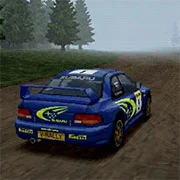
Need for Speed: V-Rally
Retro
4.5

Sonic the Hedgehog: Megadriven
Retro
4.5

Battle Circuit
Retro
4.5
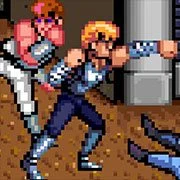
Double Dragon (Arcade)
Retro
4.5
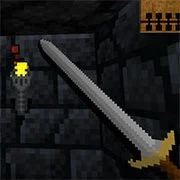
Legends of Necrodungeons
Retro
4.5
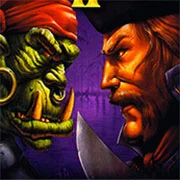
Warcraft II: Tides of Darkness
Retro
4.5
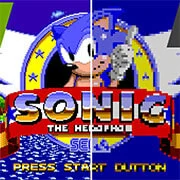
Sonic 1 Blastless
Retro
4.5
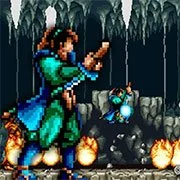
Lightning Swords / Ken-Go (Arcade)
Retro
4.5
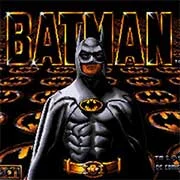
Batman (Arcade)
Retro
4.5

Back Street Soccer
Retro
4.5
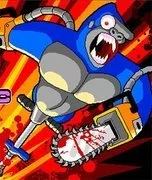
Bionic Chainsaw Pogo Gorilla
Retro
4.5

Silent Hills
Retro
4.5